- Published on
JSPatch
Background
JSPatch is becoming increasingly widespread. Let me document the integration and usage process. Since the company hasn't set up a dedicated API for fetching JS scripts, and there's no secure access mechanism in place, I'll start by trying out the JSPatch platform. The official documentation is clear; I'll just record the pitfalls I ran into.
Integration
Pitfall 1:
When I went to download, it showed something like this.
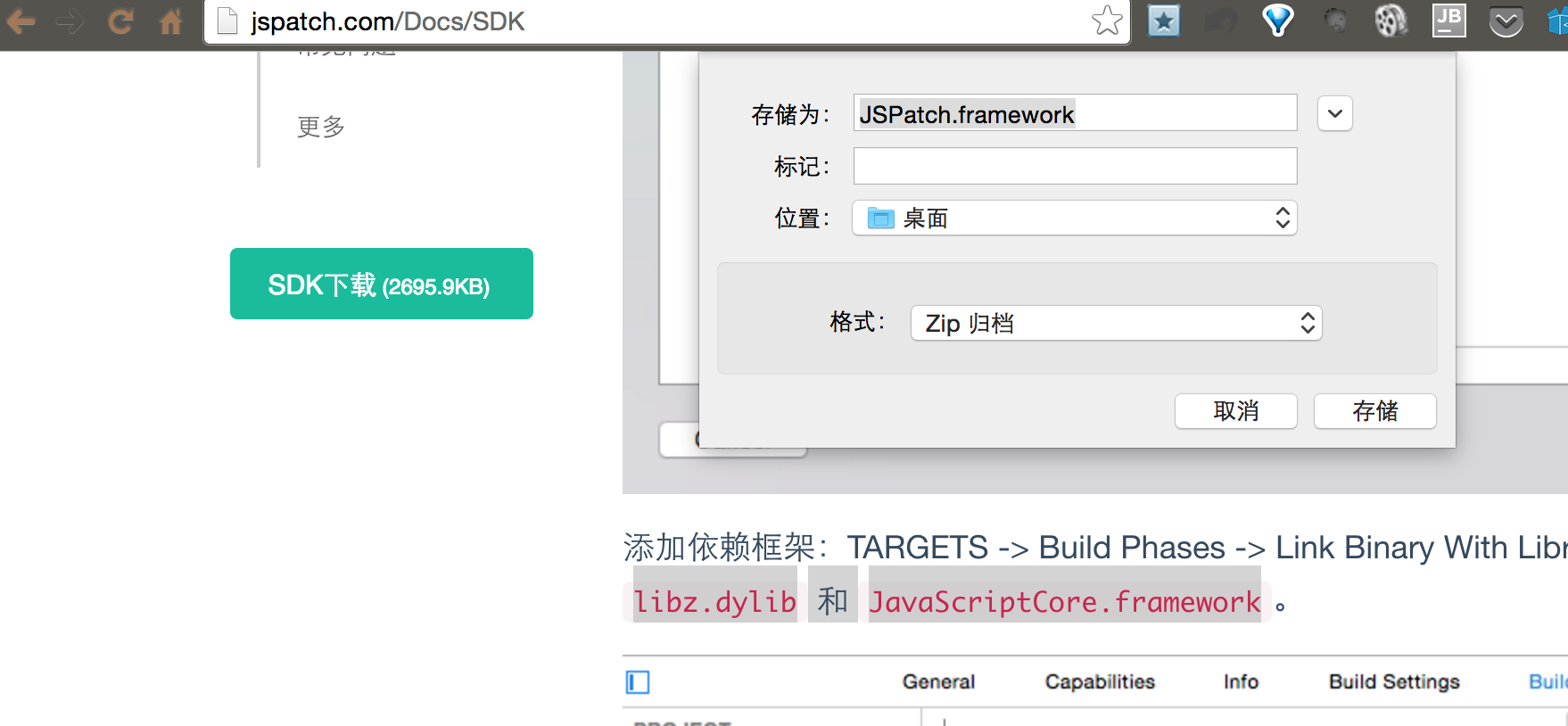
I was puzzled that there was no compressed file, so without thinking I chose to use the .framework extension. That was a big mistake.
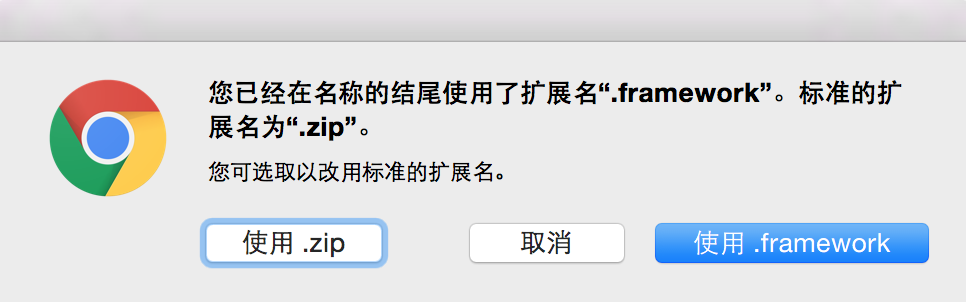
No matter what I tried after dragging it into the project, it wouldn't work. I started wondering whether frameworks even need to expose header files.
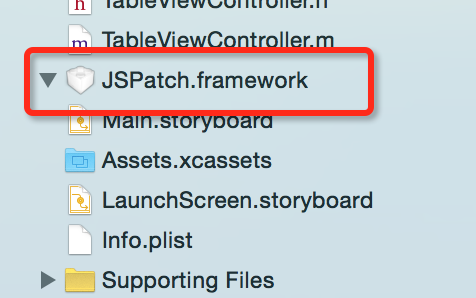
After struggling for a long time, on my third download attempt I noticed a step asking me to choose a file extension. This time I used .zip, extracted the archive, and finally saw the header files I had been looking for.
Pitfall 2:
The SDK integration guide has both screenshots and instructions in Chinese. The pitfall I hit was that since libz.dylib and JavaScriptCore.framework had already been imported in the company project, I overlooked this step. Then when I created a fresh project and followed the same steps, I skipped it again out of habit. Sigh.
Usage
Usage is also well documented: JSPatch Basic Usage. But I still ran into issues.
Pitfall 1: You cannot use both the server-side script fetching method and the local script fetching method at the same time. The error output makes this clear and is easy to fix.
[JSPatch startWithAppKey:appKey];
//    [JSPatch testScriptInBundle];
Pitfall 2: Using the development preview feature. The documentation describes this feature. To use it, you must select ==Development Preview== when publishing the patch — otherwise the patch won't be downloaded.
#ifdef DEBUG
    [JSPatch setupDevelopment];
#endif
Related debug log output:
2016-07-07 09:55:39.452 test[35534:5943510] JSPatch: request http://7xkfnf.com1.z0.glb.clouddn.com/dev/43216a544ad73f6c/1.0?v=1467856539.452447
You can see that the URL contains dev compared to the normal path. If you're not paying attention, you'll miss the fact that no patch is being downloaded.
Similarly, the version number corresponds to a directory. Make sure the version number you set when creating a patch is correct.